Short answer: on day one, Claude Duet found and fixed a real website bug, did careful YouTube keyword homework without touching the channel, and kept a clean record of my decisions. It also deleted a row it should have closed and skipped some dates in my tracker. Both slips took one message each to turn into rules. Here's exactly what happened on November 10, 2026, so you can decide whether it's worth trying, and set it up with the right rules from the start.
What Claude Duet is, in plain words
Claude Duet is a separate app from Anthropic, the company behind Claude. You message it the way you'd message a person, and it works in the apps you've connected. The big difference from a normal chat: it runs on its own computer in the cloud, so it keeps working after you close the app, and it comes back to you when something needs a decision.
A few facts from Anthropic's own help page, so you know what you're signing up for (checked November 11, 2026):
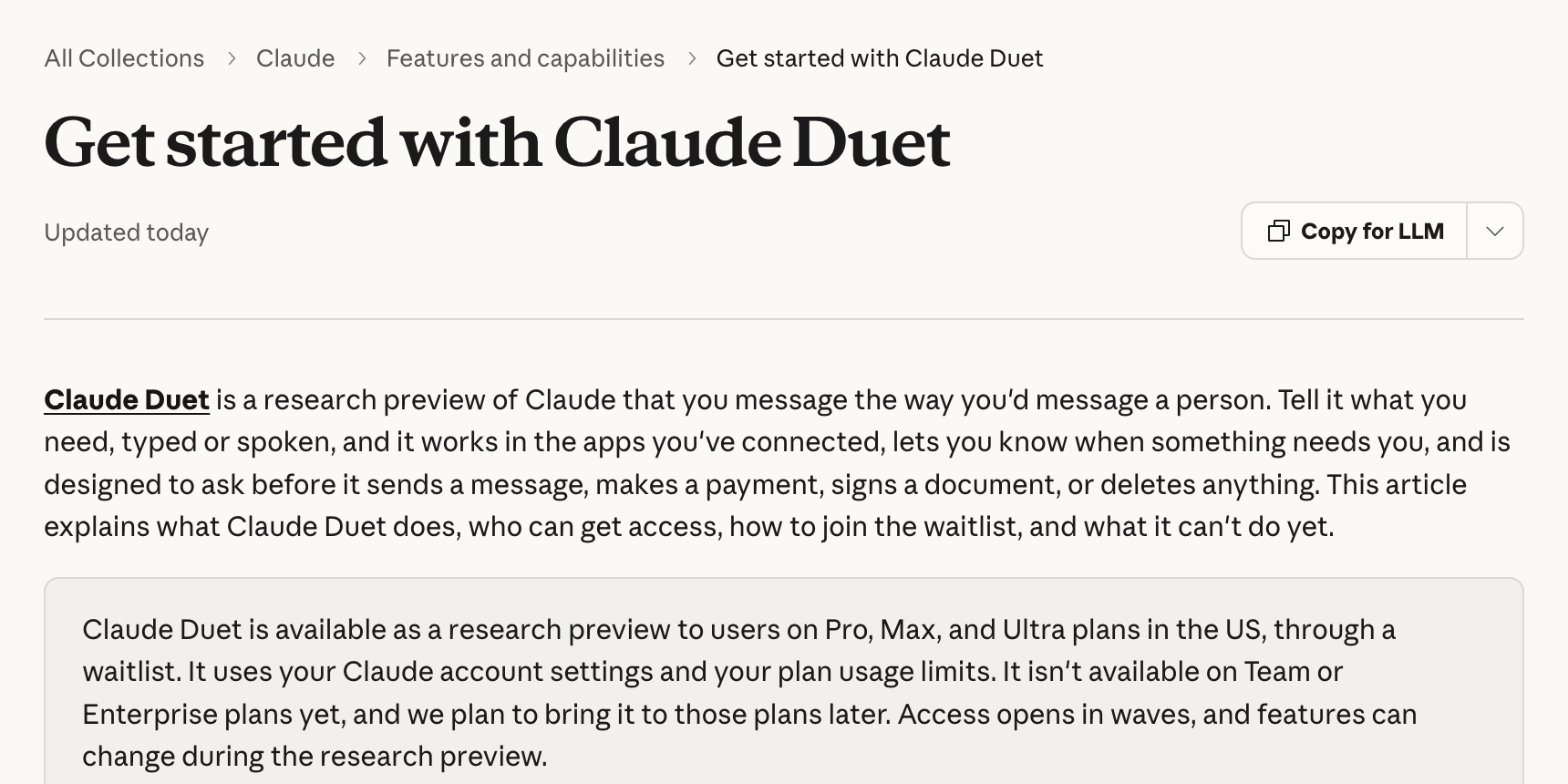
- It's a research preview. That's Anthropic's term for "early, and still changing." Access is through a waitlist, for Pro, Max and Ultra plans in the US, and it isn't on Team or Enterprise plans yet.
- It uses your existing Claude setup. The memory, skills and connectors (direct links to apps like Gmail or Google Drive) you already set up in Claude are there from your first message.
- It shares your usage. Duet uses your plan's usage limits at the same rate as normal Claude chats, and its background work, like the morning brief and check-ins, counts too. Duet is included with Pro, Max and Ultra at no extra cost during the preview.
- It's designed to ask first before it sends a message, makes a payment, signs a document or deletes anything.
- It can make mistakes. Anthropic says it can misread a thread or misjudge what's urgent, and asks you to review drafts and approval requests before you confirm them.
I keep all my work in one shared spreadsheet that every one of my AI projects reads and updates (here's how that tracker works). That tracker is where Duet's whole day shows up, so that's what this post is built from. By the end of the day it had touched 27 rows.
Win 1: it found why my AI-search file was missing 3 posts
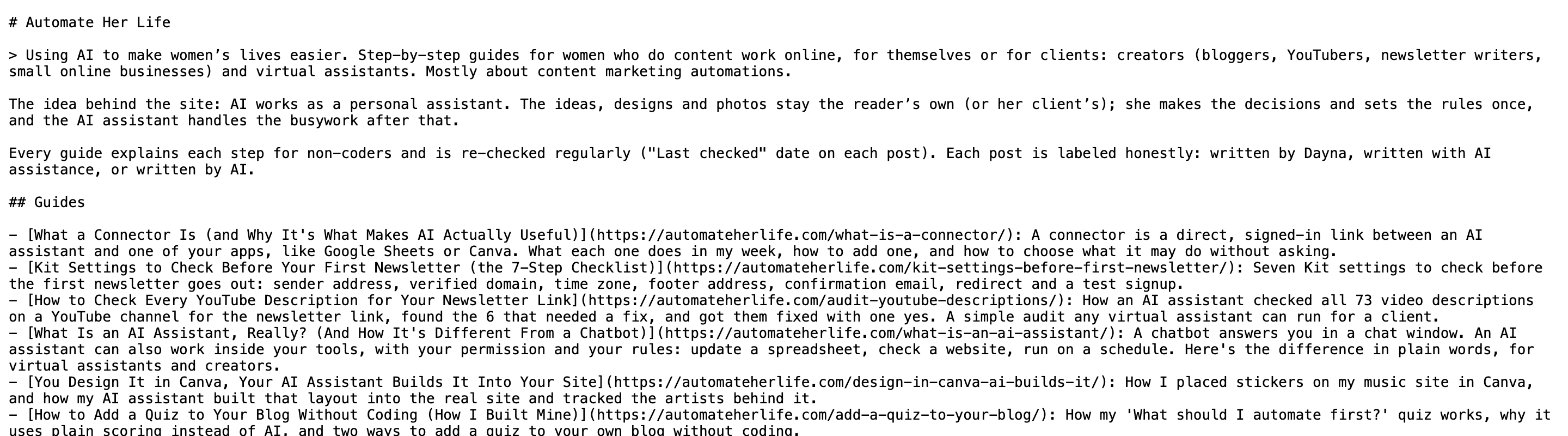
This blog has a small file called llms.txt. It's a short list, in plain text, that tells AI tools like ChatGPT what this site is and which posts matter. (It's a community habit, not an official standard, but it's cheap to keep.) Here's how I check whether AI tools cite this blog at all.
That morning, a check showed the file listed 16 posts and was missing the 3 newest ones.
Here's what Duet did:
- Checked before fixing. It looked at the live file again and found it now listed all 19 public posts. The code was already building the list from the posts every time. So the code wasn't broken.
- Found the real cause. Vercel, the service that hosts this site, was keeping a saved copy of the file for up to a day and handing out that old copy while it refreshed. On quiet days, new posts just didn't show up yet.
- Made a small fix and asked me to merge it. It opened a pull request (a proposed change I approve before it goes live) that tells Vercel to refresh llms.txt, the sitemap and the RSS feed every hour instead. Merging was blocked for Duet, so that click was mine.
- Checked the live site afterward. One minute after I merged, it confirmed the new version was live and that all 19 public posts were listed, with no hidden drafts in the file.
What I liked: it didn't "fix" the thing that wasn't broken. It found the actual reason, and it checked its own work after the change went live.
Win 2: it did keyword homework on old YouTube titles without changing a thing
My husband Jake runs a trail running YouTube channel, Running for Views, and some of his older video titles could use better search words. Duet scored 12 older titles in TubeBuddy (a YouTube keyword tool that scores search phrases from 0 to 100).
It kept only the 3 clear wins, each with its numbers:
| Video | Current phrase | Suggested phrase |
|---|---|---|
| A 100 mile race fueling video | "fueling for a 100 mile race": 62 | "100 mile race nutrition": 88 |
| A coastal hike from Nice to Villefranche-sur-Mer | "hiking the coastal path": 44 | "nice coastal walk": 65 |
| A list of ultra runners to follow on Strava | "best ultra runners on strava": 58 | "pro runners on strava": 77 |
The new title for the hike also fixes a typo in the old one.
The other 9 titles it left alone, and it said why for each one: the current wording already scored well, the best alternative was only a point or two better, or every option scored low.
And it changed nothing on YouTube. Every title change on that channel needs Jake's yes, so Duet wrote the 3 suggestions up for him and stopped there. I approved them and sent them to Jake. He decides.
Win 3: it logged my decisions in my own words
I'm making a printable planner, and I needed to pick a cover look and a few settings. Duet showed me cover previews in the chat, and as I answered, it wrote each answer into the tracker with the time and my exact words: "Mixtape leads," "monday start," "Sell all three," "Good to go" on the buyer guide.
When I said "not sure" about one quote in the planner, it didn't pick one for me. It parked that question for my next working session.
It was honest about its limits here too. The planner files live on my own computer, and Duet can't see files on your computer (Anthropic's help page says so too). So it wrote down that the cover sizing waits for a session on my laptop, instead of guessing.
Where it slipped
Two things went wrong, both in my tracker, and both small.
It deleted a row instead of closing it. It found two rows about the same task and merged them, which was right. But it deleted the extra row. In my tracker, every row has a permanent ID, and other rows point to those IDs. A deleted row leaves a gap, and anything that pointed to it now points to nothing. My rule is to close a duplicate with a note saying why and which row replaces it.
It marked rows "Done" without a date. Three rows just said "Done." My tracker rule is "Done" plus the date and one line on what was done, so anyone reading later knows when it happened. (My other AI projects fixed those three rows the same day.)
Neither slip broke anything. But both are the kind of thing that quietly makes a shared tracker less trustworthy, and I'd rather catch them on day one.
The 3 rules I gave it
Duet doesn't use the project instructions I've set up in Claude, so I gave it rules the simple way: in a message in its main chat. It saved them to its notes.
- Pins. Pinterest pins that follow my pin rules are already a standing yes for my other AI projects (what a standing yes is). Duet saved this one more carefully than I wrote it: it would make and log pins, but wait for my yes before they went out. The next day I simplified it: my pins already run on their own scheduled setup, so Duet doesn't make or schedule pins at all now.
- Close, never delete. Duplicate or outdated rows get closed with a note saying why and which row replaces them. No row ever disappears.
- Date every Done, and sign your work. Every finished row says "Done" plus the date and one line. The "Changed by" column says "Claude Duet" plus the project name, so I can tell its work apart from my other AI projects.
If you're starting with Duet and you keep a tracker, here are those rules ready to paste. Swap in your own details where you see [brackets].
Here are standing rules for my tracker in [your sheet name]. 1) Never delete a row. If a row is a duplicate or out of date, set its status to "Closed [date]" and add a note saying why and which row replaces it. 2) When you finish a task, set its status to "Done [date]" plus one line on what you did. 3) In the "[your column name]" column, write "Claude Duet / [project name]" on every row you add or change. Please save these to your notes and tell me what you saved.
You should see Duet repeat the rules back, in its own words. Read that reply closely: that's how I found out it had saved my pin rule more carefully than I wrote it.
Before you change anything in my tracker today, read these rules back to me and tell me which rows you plan to change.
Use this one for the first few days, until you trust it.
Should you try it?
If you already keep your work in a tracker and have your apps connected in Claude, Duet starts useful on day one, because it picks up what you've already set up. The wins I got were all "busywork done carefully": find the cause, do the research, write down the decision. The decisions themselves stayed mine and Jake's.
The slips were the kind a new human assistant makes in their first week: not wrong, just not done my way yet. The fix was the same too. Tell it the rule once, check that it saved it right, and watch the first few days.
VAs: if you're thinking of using Duet on a client's work, give it the client's rules on day one, before it touches their tracker, and ask it to read them back.