It starts in November 2026, so you can begin right away. Print it at home, type in it on your laptop, or hand your week to an AI assistant and let it fill in the boxes for you. Your plans, your handwriting, your decisions. The planner just makes room for them.
What's inside
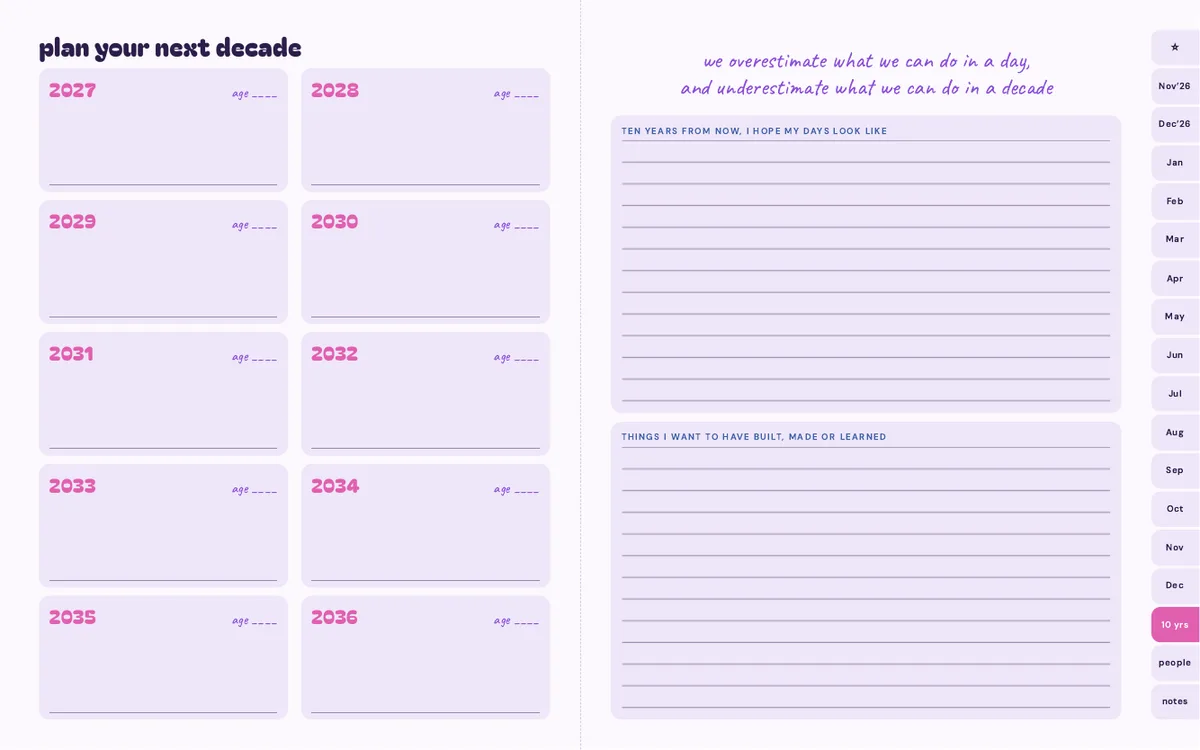
- Plan your next decade: a box for each year from 2027 to 2036, plus two pages for what you hope your days look like ten years from now and what you want to have built, made or learned.
- Years ahead: 2027 to 2032 month by month, for the birthdays, renewals and trips you don't want to hold in your head.
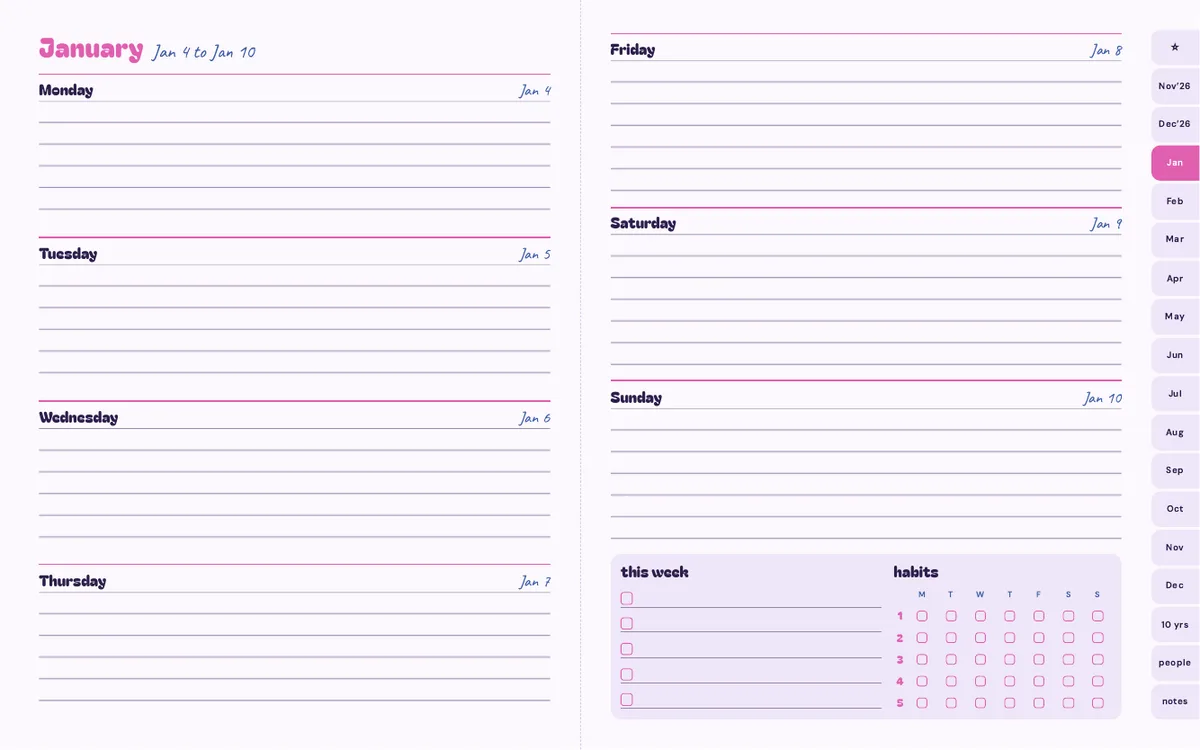
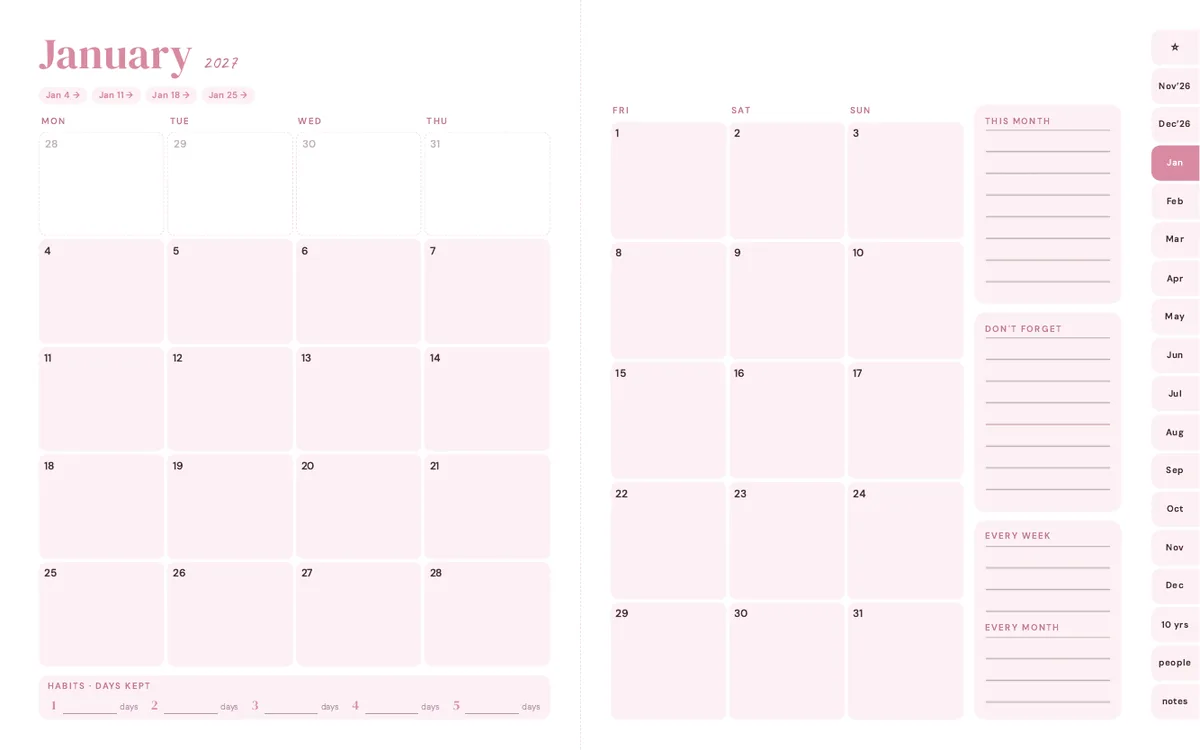
- Month and week pages from November 2026 to December 2027, Monday start, with a "this week" list you can tick off.
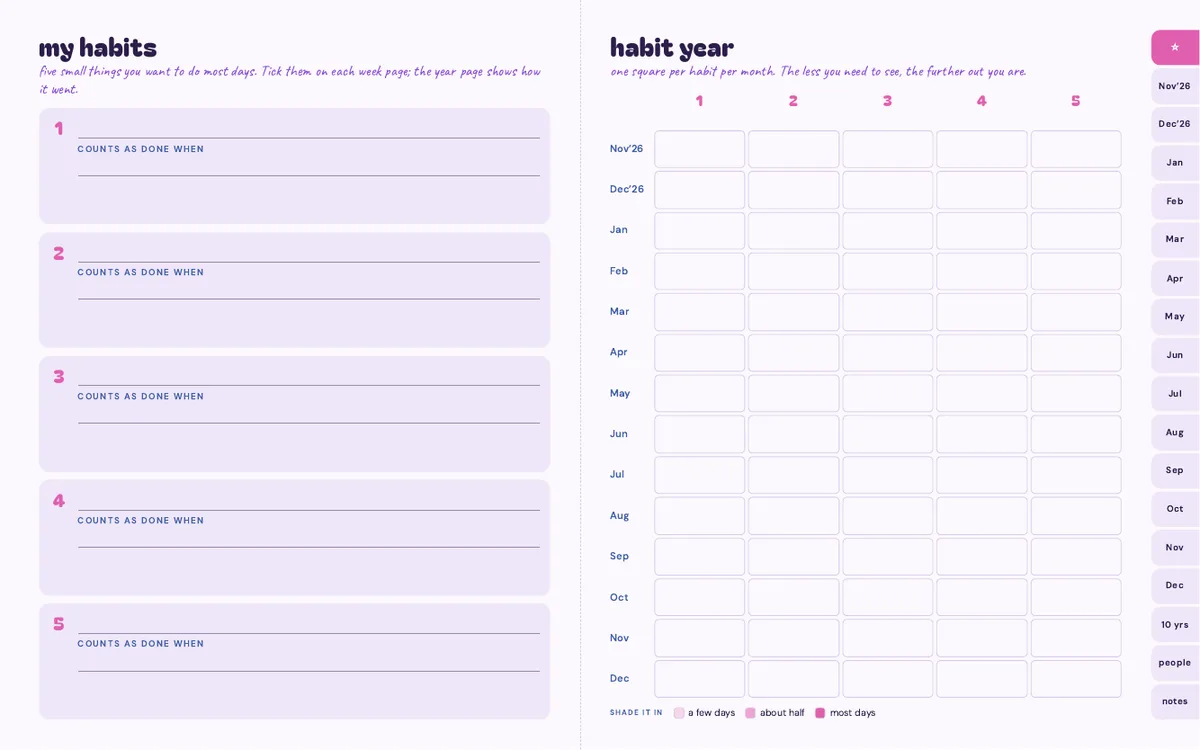
- A habit tracker for five habits: tick boxes on every week, a "days kept" line on every month, and a year page where you shade one square per habit per month.
- The people pages: birthdays, sizes and gift ideas for the people you love, pet pages, a gift list and notes.
Three ways to use it
- On paper: US Letter and A4 versions (179 pages each) to print at home or at a print shop.
- On your laptop: a landscape desktop version (90 pages) with a type-in box on every day, tick boxes that click, and tabs to jump to any month, the decade pages, people or notes. Open it in the free Adobe Acrobat Reader so your typing shows in the handwriting font.
- With your AI assistant (completely optional): every box in the desktop version is named by its date, so an AI assistant like Claude knows exactly where Thursday's dentist appointment goes. You decide what goes in; your AI assistant does the typing.
What you get
All three looks, each in three versions:
- US Letter printable PDF
- A4 printable PDF
- Desktop PDF you can type in
After you sign up, click the button in the confirmation email and the download links open right away. Nothing is mailed to you.
Questions
Is it really free?
Yes. Join the newsletter and the planner is yours. You can unsubscribe anytime and keep the files.
Which look should I pick?
You don't have to: you get all three. They have the same pages, so use whichever you'd like to open every morning.
Do I need AI to use it?
Not at all. It's a full planner on its own, on paper or on your laptop. The named boxes are there if you'd like an AI assistant to help keep it up to date.
Can I use it on an iPad?
The tabs work in most PDF apps, but the type-in boxes are made for Adobe Acrobat Reader on a laptop or desktop, so that's where I can promise they work.
Can I share it?
It's for your own personal use, so please don't share or resell the files. Send your friends this page instead.
How was it made?
I designed it and built the layout and covers with the help of an AI assistant (Claude). The fonts are open-license and there is no AI-generated artwork.